

Skip to content
-
Subscribe to our newsletter & never miss our best posts. Subscribe Now!
Nivohost Blog Nivohost Blog Nivohost Blog

Get all latest blog regardiing websites, web development and web hosting new features.

Nivohost Blog Nivohost Blog Nivohost Blog

Get all latest blog regardiing websites, web development and web hosting new features.

  • Home
  • About Us
  • Tools
    • Whois
    • Free IP Lookup
    • What Is My IPv4 Address
    • Blacklist Checker
    • DMARC Checker
  • Hosting
  • Home
  • About Us
  • Tools
    • Whois
    • Free IP Lookup
    • What Is My IPv4 Address
    • Blacklist Checker
    • DMARC Checker
  • Hosting
Close

Search

  • https://www.facebook.com/
  • https://twitter.com/
  • https://t.me/
  • https://www.instagram.com/
  • https://youtube.com/
Subscribe
DNS PROBE FINISHED NXDOMAIN
Tutorial

Fix DNS PROBE FINISHED NXDOMAIN Error in Chrome, Android & More

By Kate Woe
April 6, 2025 2 Min Read
Post Views: 852

If you’re seeing the DNS PROBE FINISHED NXDOMAIN error while trying to visit a website, you’re not alone. This is one of the most common internet issues users face across Chrome browsers, Android devices, and desktops.

In this guide, we’ll explain what DNS PROBE FINISHED NXDOMAIN means, why it happens, and how to fix DNS PROBE FINISHED NXDOMAIN on different platforms. The fixes are easy, and you can resolve this in just a few steps—even if you’re not tech-savvy.

DNS PROBE FINISHED NXDOMAIN

Table of Contents

Toggle
  • 🔍 What is DNS_PROBE_FINISHED_NXDOMAIN?
  • 📱 DNS PROBE FINISHED NXDOMAIN on Android
    • Android Fix:
  • 🛠️ How to Fix DNS_PROBE_FINISHED_NXDOMAIN (Desktop & Chrome)
    • 1. Flush DNS Cache
    • 2. Change DNS Servers
    • 3. Reset Chrome Settings
    • 4. Restart Router
  • ⚙️ Other Possible Fixes
  • ✅ Summary
  • 🔗 Related Searches

🔍 What is DNS_PROBE_FINISHED_NXDOMAIN?

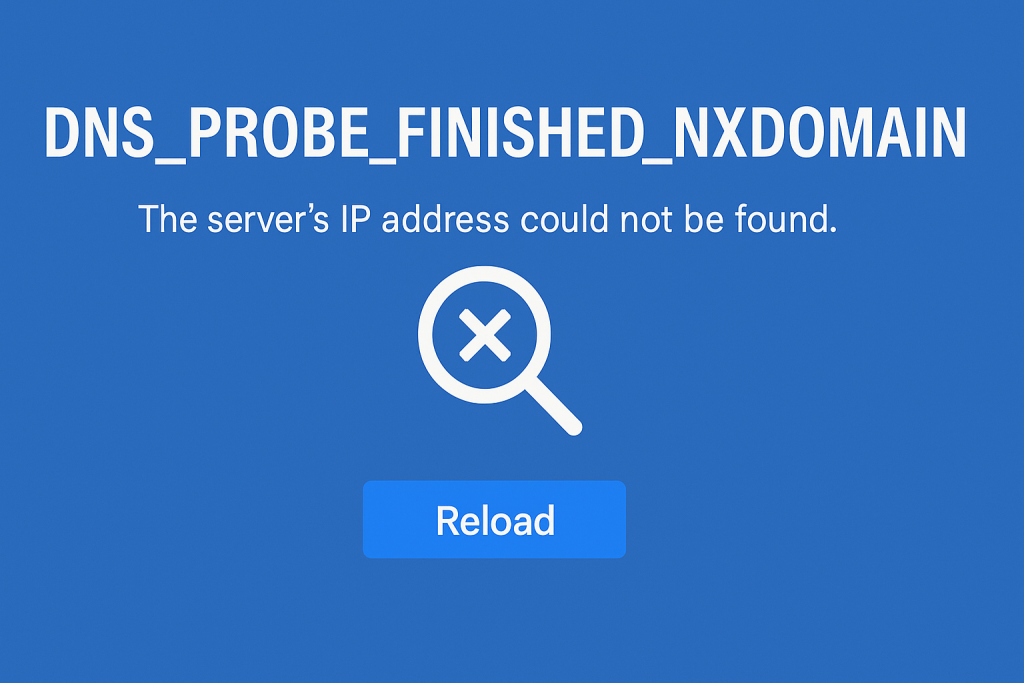
The DNS PROBE FINISHED NXDOMAIN error simply means that your browser couldn’t find the website because the server’s IP address could not be found. In technical terms, the DNS (Domain Name System) failed to resolve the domain to its IP address.

So, if you’re wondering “what is DNS_PROBE_FINISHED_NXDOMAIN?” or looking for its meaning, it refers to a failed DNS lookup where the domain appears non-existent from your device’s point of view.


📱 DNS PROBE FINISHED NXDOMAIN on Android

Many users experience dns probe finished nxdomain android issues—especially on mobile data or misconfigured Wi-Fi. The good news is: it’s easy to fix.

Android Fix:

  1. Go to Settings > Network & Internet
  2. Tap Private DNS and change to:
    • dns.google (Google DNS)
    • Or use Cloudflare: 1dot1dot1dot1.cloudflare-dns.com
  3. Restart your phone

This quick fix often works in under 4 days or even instantly.


🛠️ How to Fix DNS_PROBE_FINISHED_NXDOMAIN (Desktop & Chrome)

Here are step-by-step instructions for desktop and Chrome users:

1. Flush DNS Cache

Open Command Prompt and type:

bashCopyEditipconfig /flushdns

2. Change DNS Servers

Switch to public DNS:

  • Google: 8.8.8.8 and 8.8.4.4
  • Cloudflare: 1.1.1.1 and 1.0.0.1

3. Reset Chrome Settings

Visit chrome://flags/ in Chrome and click Reset all to default.

4. Restart Router

A simple router reboot can fix network conflicts causing this error.


⚙️ Other Possible Fixes

  • Clear browser cache
  • Disable VPN or Proxy
  • Check your hosts file for incorrect domain entries
  • Renew your IP address (ipconfig /release then ipconfig /renew)

If you’re facing the chrome dns probe finished nxdomain message often, consider using a more stable DNS provider or updating your browser.


✅ Summary

Let’s recap the main terms:

  • dns probe finished nxdomain meaning: DNS failed to find the site’s IP.
  • dns probe finished nxdomain fix: Clear cache, flush DNS, or change DNS servers.
  • dns probe finished nxdomain android: Update private DNS settings.
  • servers IP address could not be found dns probe finished nxdomain: The server wasn’t reachable due to DNS issues.

This error is easy to fix with a few quick settings adjustments—most users resolve it in 3–4 days or less.


🔗 Related Searches

dns probe finished nxdomain meaning

dns probe finished nxdomain error

how to fix dns probe finished nxdomain

dns probe finished nxdomain means

Author

Kate Woe

I am Kate, a tech-savvy blogger with a passion for exploring the latest in digital tools, apps, software, and web development. I create content that simplifies complex tech topics for everyday users, helping readers stay updated and empowered in the fast-moving digital world.

Follow Me
Other Articles
Next

Best Forex VPS Hosting in 2025

Nivohost-promo
VPS Server - AMD Powered
★★★★★ 147+ Google Reviews
nivohost-rating
₹449/-
Are you finding a best vps hosting ? If yes, then NivoHost the best affordable hosting and 10x fast servers with 99.9% Uptime.
Buy Now

Nivohost Blog

Our hosting blog helps with tech related updates and news.

  • Nivohost

Recent Posts

  • Best Cheapest And Premium Hosting In 2025
    by admin
    September 11, 2025
  • How to Connect a Server Using PuTTY
    by Kate Woe
    July 25, 2025
  • How to Connect to a Windows RDP Server: A Step-by-Step Guide
    by Kate Woe
    July 25, 2025
  • How to Install WordPress on Localhost (Step-by-Step Guide)
    by Kate Woe
    July 22, 2025
  • How Airtel Users Can Get Free Access to Perplexity AI Pro
    by Kate Woe
    July 21, 2025

Categories

  • Hosting
  • Offer
  • Tutorial

Recent Comments

No comments to show.

Trending Posts

  • Best Cheapest And Premium Hosting In 2025September 11, 2025
  • How to Connect a Server Using PuTTYJuly 25, 2025
  • How to Connect to a Windows RDP Server: A Step-by-Step GuideJuly 25, 2025
  • How to Install WordPress on Localhost (Step-by-Step Guide)July 22, 2025
  • How Airtel Users Can Get Free Access to Perplexity AI ProJuly 21, 2025

Search

  • YouTube
  • Facebook
  • Instagram
  • WhatsApp

Cateogories

  • Hosting
  • Offer
  • Tutorial
Copyright 2026 — Nivohost Blog. All rights reserved.